By Carl Tomich | October 5, 2026
My AI Children’s Animation Workflow
For this project, I used Suno and ATlabs to turn a counting song into a 3D cartoon music video about the numbers one to ten. Here’s how I took the song into the Kids Music Video workflow, generated scenes, and reviewed the animation and sing-along lyrics.
Disclosure: ATlabs sponsored this video. The workflow and opinions shown are my own.
See the process and part of the finished counting video.
Watch my walkthroughHow I put it together
-
Start with the counting song
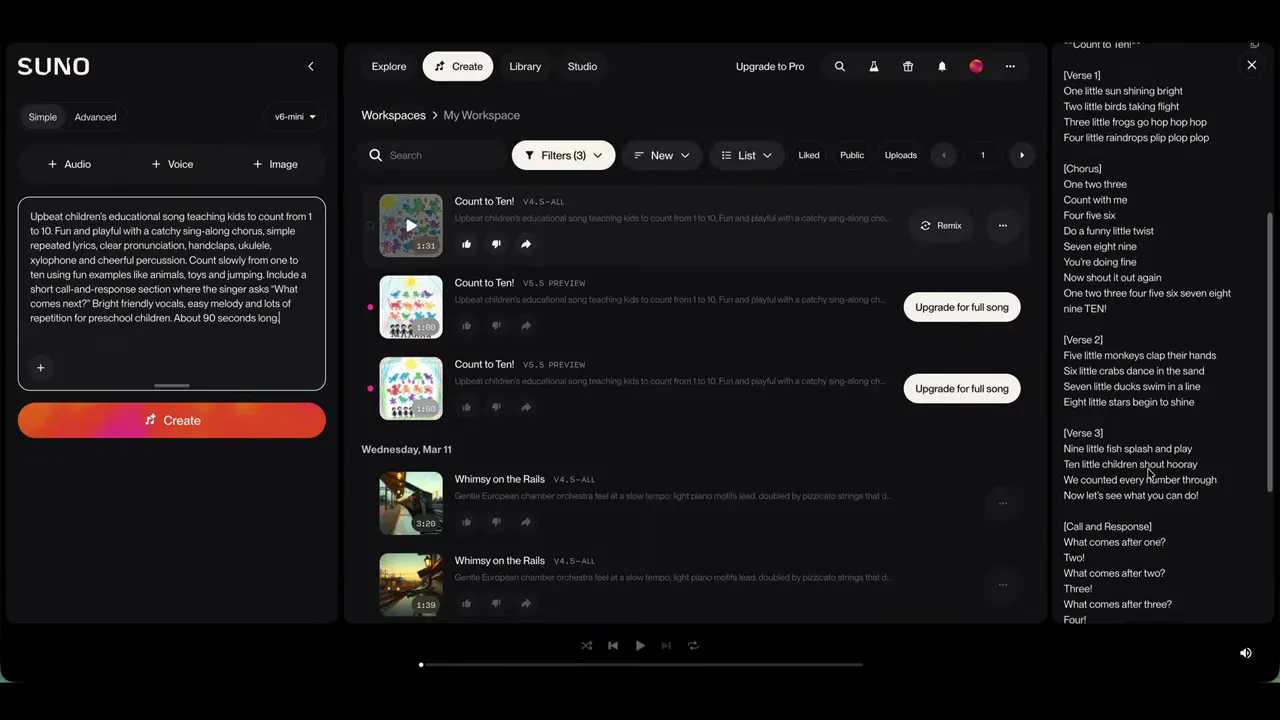
The song workspace in my recorded workflow. The article and video show the process I used; service interfaces and available features can change. Watch this moment (1:14). I generated the song with Suno AI. The idea was a children’s learning song covering one to ten, with the music providing the starting point for the animation.
01:06 — Song in Suno -
Bring the track into ATlabs
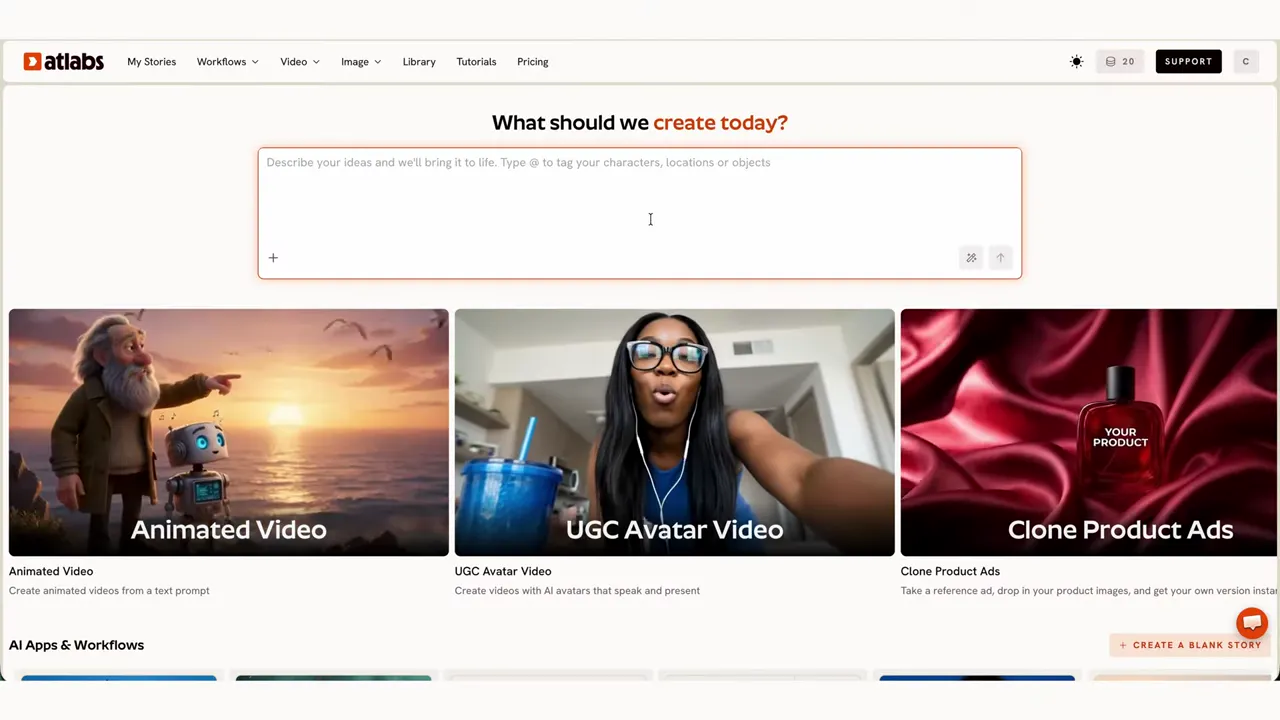
The starting workspace shown in my tutorial. Follow the video alongside the written steps when bringing your own track into the project. Watch this moment (1:39). In the Kids Music Video workflow, I added the song using a Suno link. The walkthrough then covers the track upload and audio analysis before the visual setup.
02:01 — Track and audio analysis -
Set the look and characters
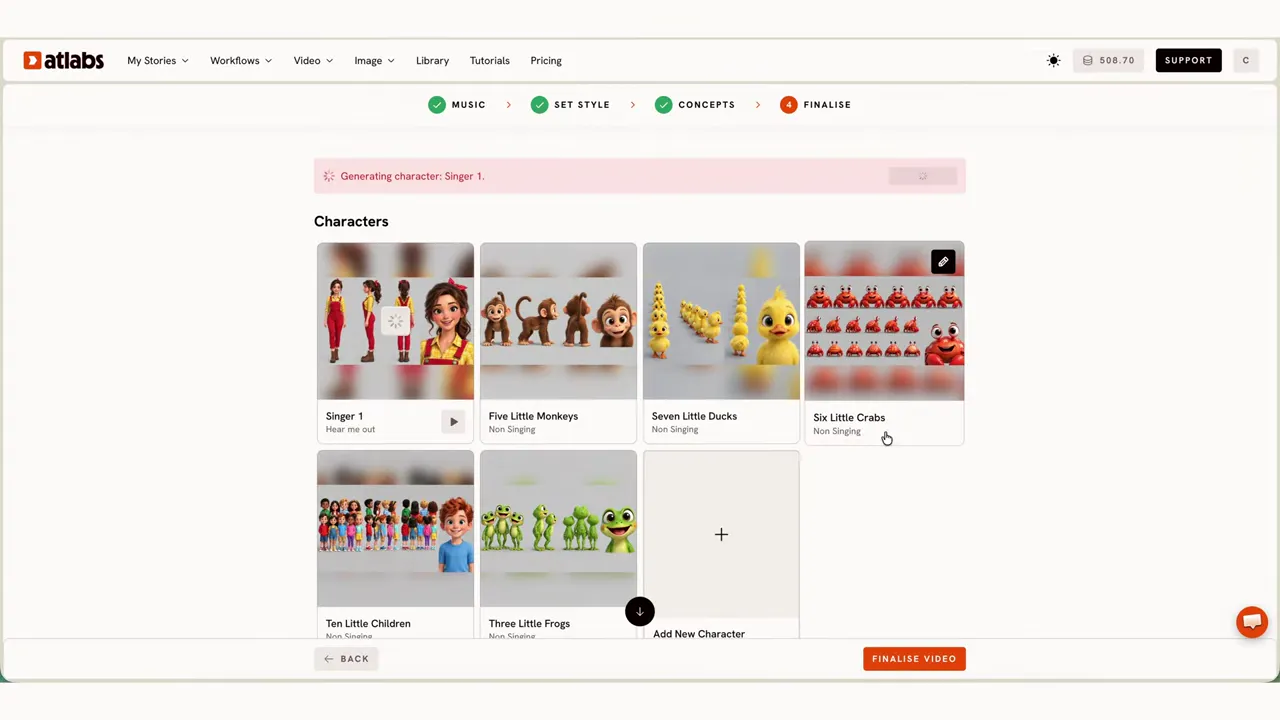
Choosing characters in the recorded project. Check the visual consistency across scenes before committing to a complete sequence. Watch this moment (2:53). I chose a 3D cartoon style and a landscape 16:9 format, then went through the creative direction concepts and character casting and design.
02:31 — Style, concepts and casting -
Generate the animated scenes
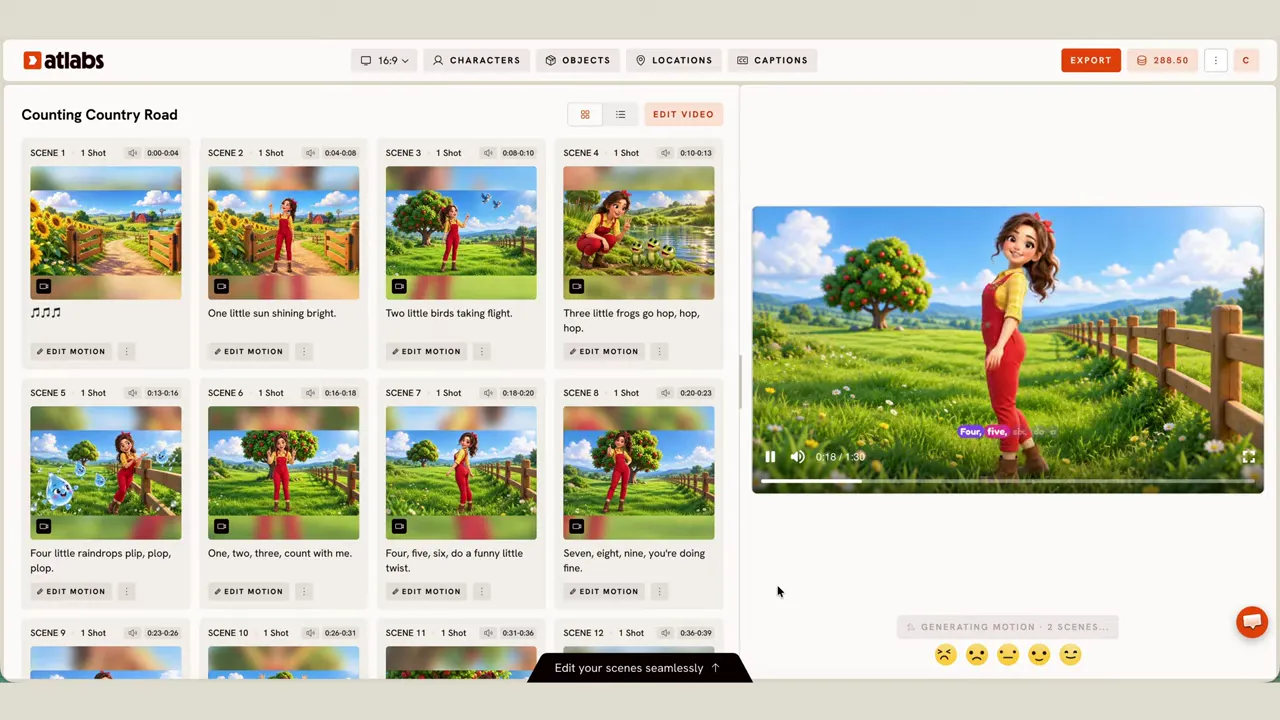
The project with generated scenes and a preview side by side. This is a screenshot of the workflow, not a guarantee that every generation will match it. Watch this moment (0:49). With that setup in place, I generated the full video. This gave me the animated scenes to review in the Story Editor.
02:58 — Generate the video -
Review and try Polish
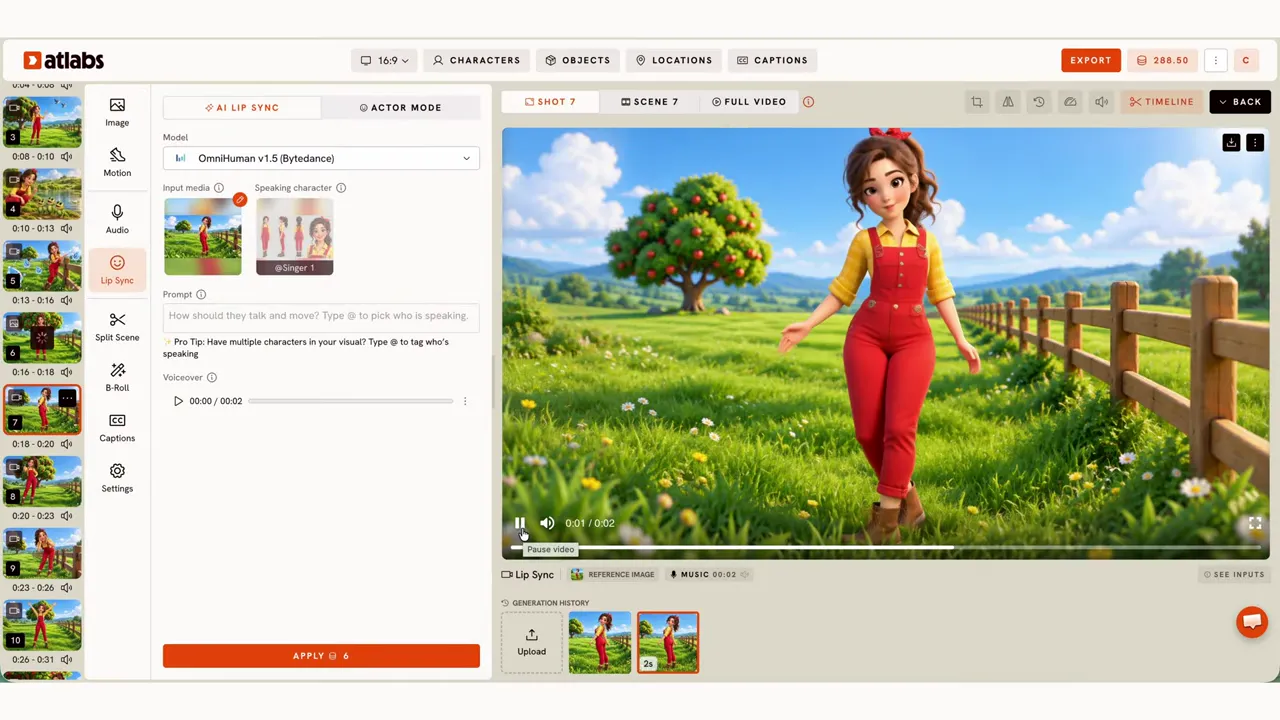
Reviewing the animation inside the workspace. Compare the result with your original plan before publishing. Watch this moment (5:45). I reviewed the result scene by scene in the Story Editor, tried the Polish tool, and looked at motion, captions and the animated sing-along lyrics. Generating the scenes was only part of the process.
03:38 — Editing and polishing -
Compare and watch the result
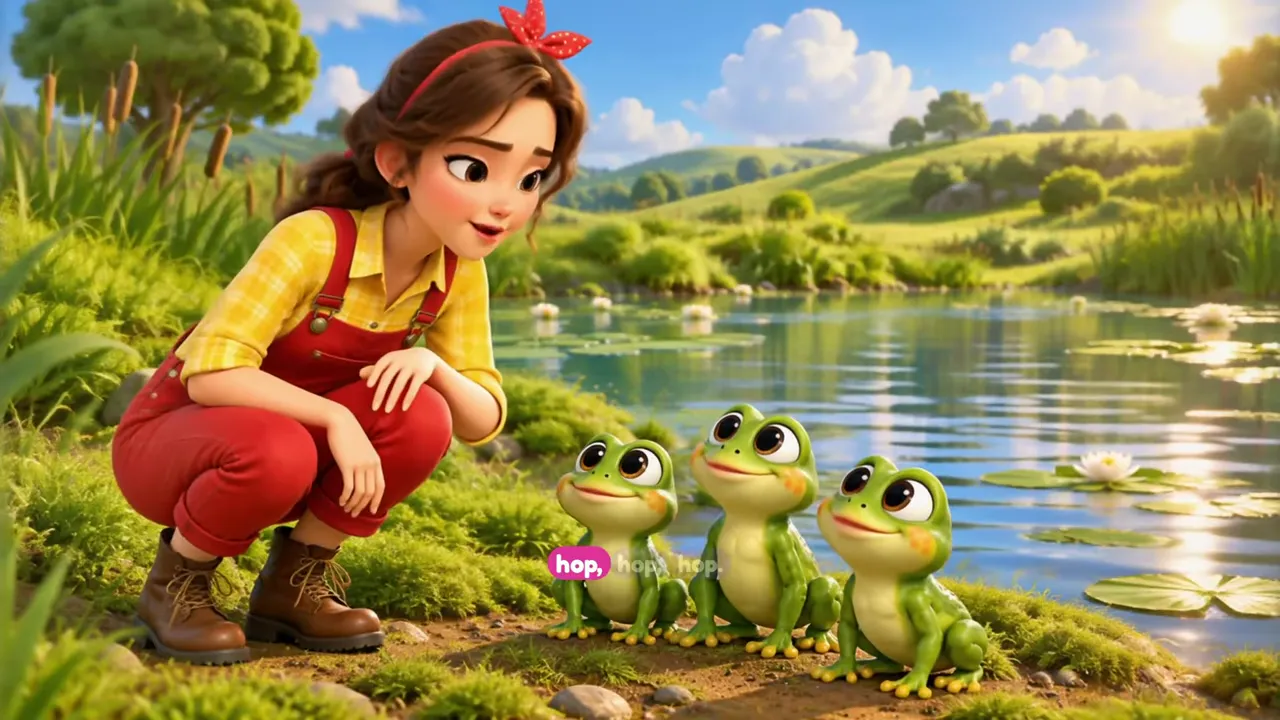
A frame from the animation shown in the walkthrough. Compare the finished sequence with your original song and scene plan. Watch this moment (6:10). I also tested the standard music video workflow before showing part of the finished video. That comparison is a separate part of the walkthrough, after the Kids Music Video edit.
04:47 — Standard workflow comparison 06:03 — Finished video excerpt
Who I’d point towards this
If you’re a creator exploring animated learning songs or sing-along videos for children, this is a practical example to follow. My project starts with a song, so it’s especially relevant if you want to see how music can become the basis for an animated video.
Watch the edit as well as the finished excerpt to decide whether this process fits what you want to make.
Explore ATlabs Kids Music VideoThis is the ATlabs link from my sponsored walkthrough.
What I’d check before publishing
- Lyrics: read through the sing-along text and check it against the song, especially the numbers in a counting video.
- Timing: watch with the audio on and check how the lyrics and scenes line up with the track.
- Consistency: compare scenes as you review, rather than judging the result from one good-looking shot.
These are the checks I flag in the walkthrough. I wouldn’t treat a generated video as ready to publish without reviewing it; trying Polish is part of the edit, not a reason to skip that review.
Read next
I’m Carl Tomich, a documentary filmmaker and travel creator. Find more about my work on my about page.